TDA / Truck Drivers Assistant
Puttgarden – Rødby (Scandlines)
Practical truck-driver guide to the Scandlines ferry from Puttgarden to Rødby: parking, check-in, required documents, tickets, waiting lanes and boarding.
Route
Practical information
Parking before the ferry
You can take your rest break at the car park if you arrive early.
Coordinates: 54.49708, 11.22300.
Open the map 👇
MapCheck-in 👉
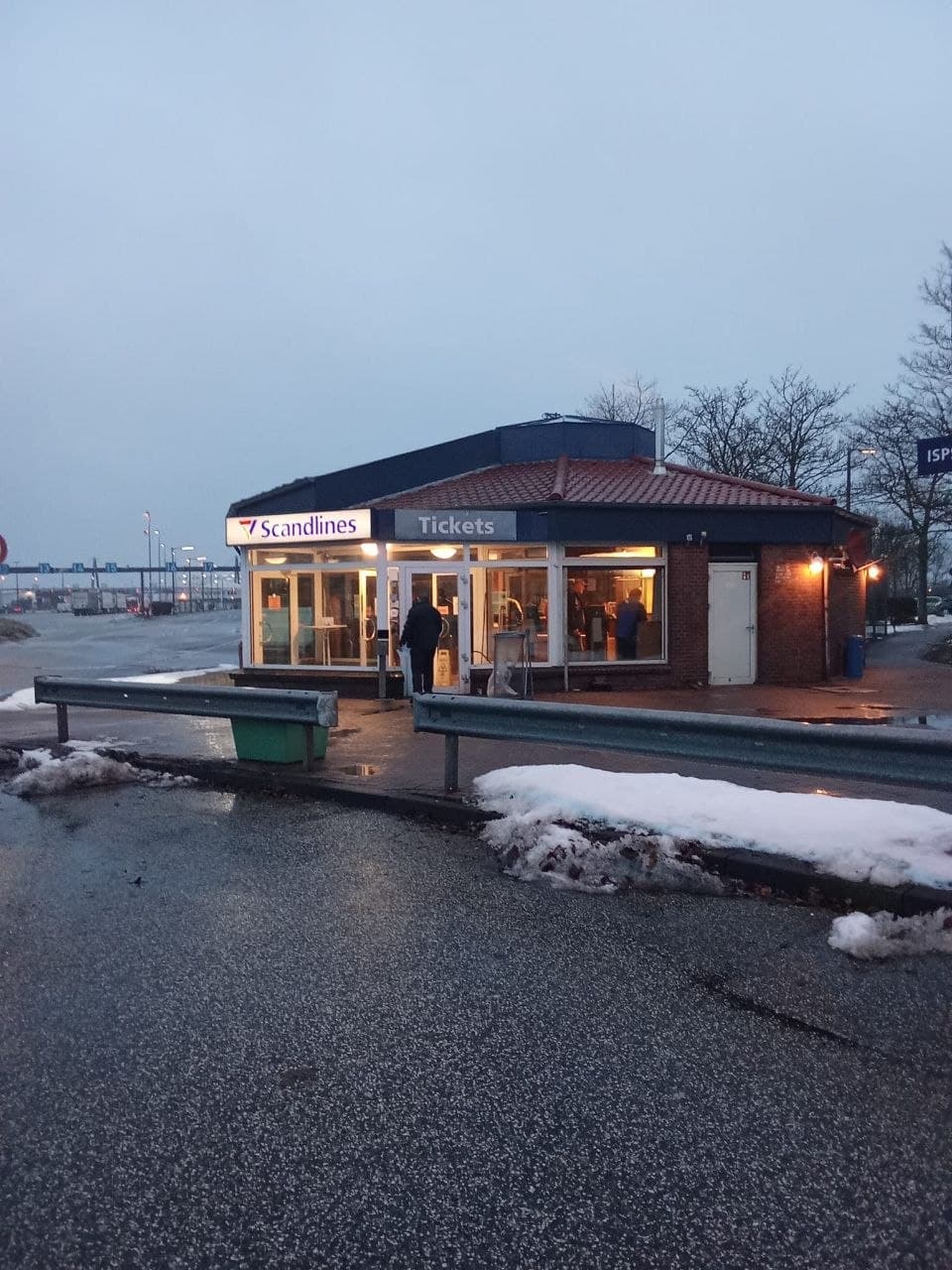
From the car park, go to the drivers’ building shown in the photo.
Go inside and check in for the ferry.
Bring with you:
CMR
cargo weight details
vehicle and trailer registration numbers
gross vehicle weight
booking number
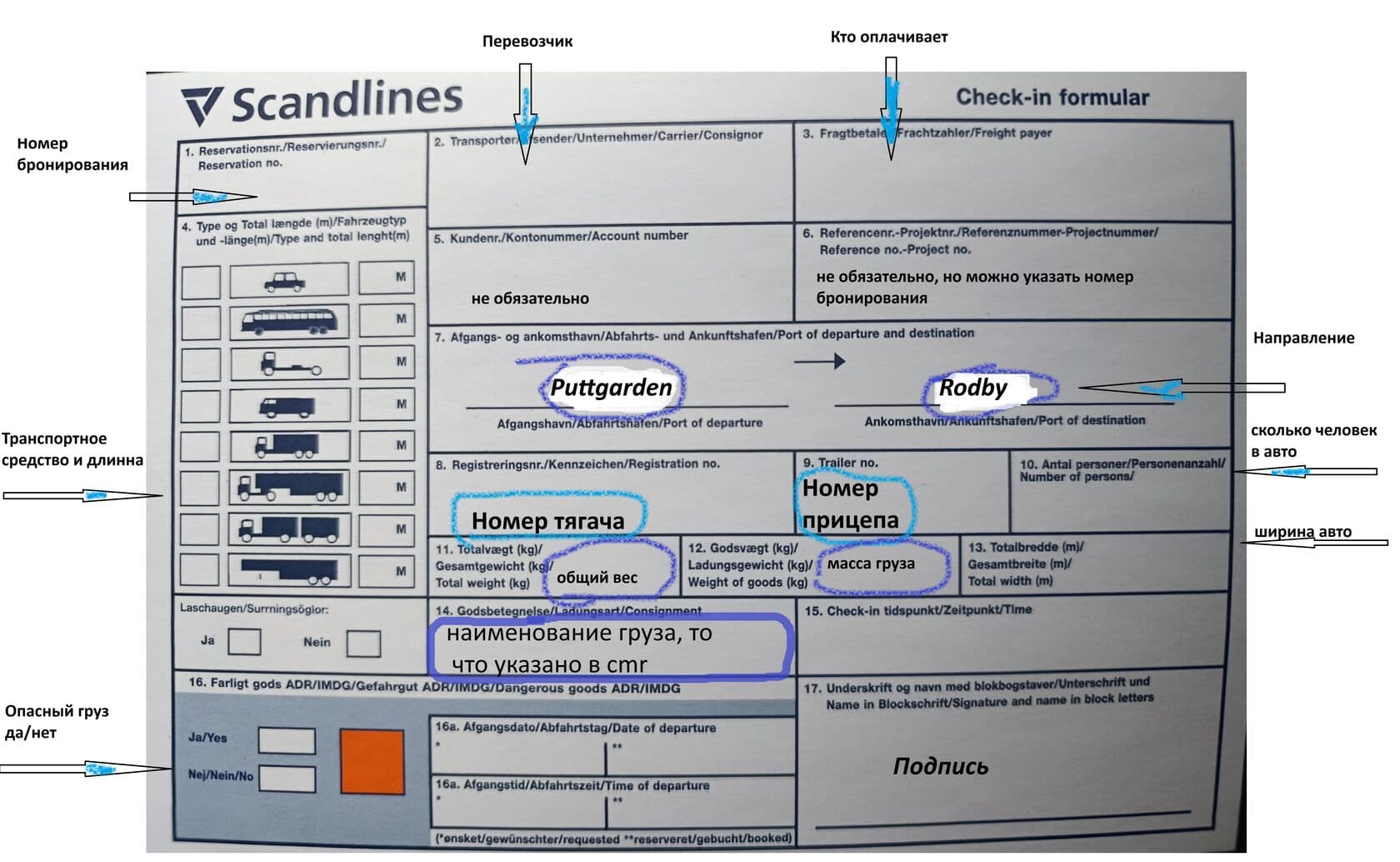
Complete the registration form.
A completed example is shown in the photo below.
Purchase your Scandlines ticket
Go into the Scandlines building.
Hand the completed form to the staff member and purchase your ferry ticket.
Example of the completed form
If you have a refrigerated vehicle, tell the check-in staff that you need ELECTRICITY.
Tell the staff member:
👉 ELECTRIC
❗ Diesel is not used on the ferry and you may be asked to switch it off.
If you do not ask in advance, you may not be given a power socket.
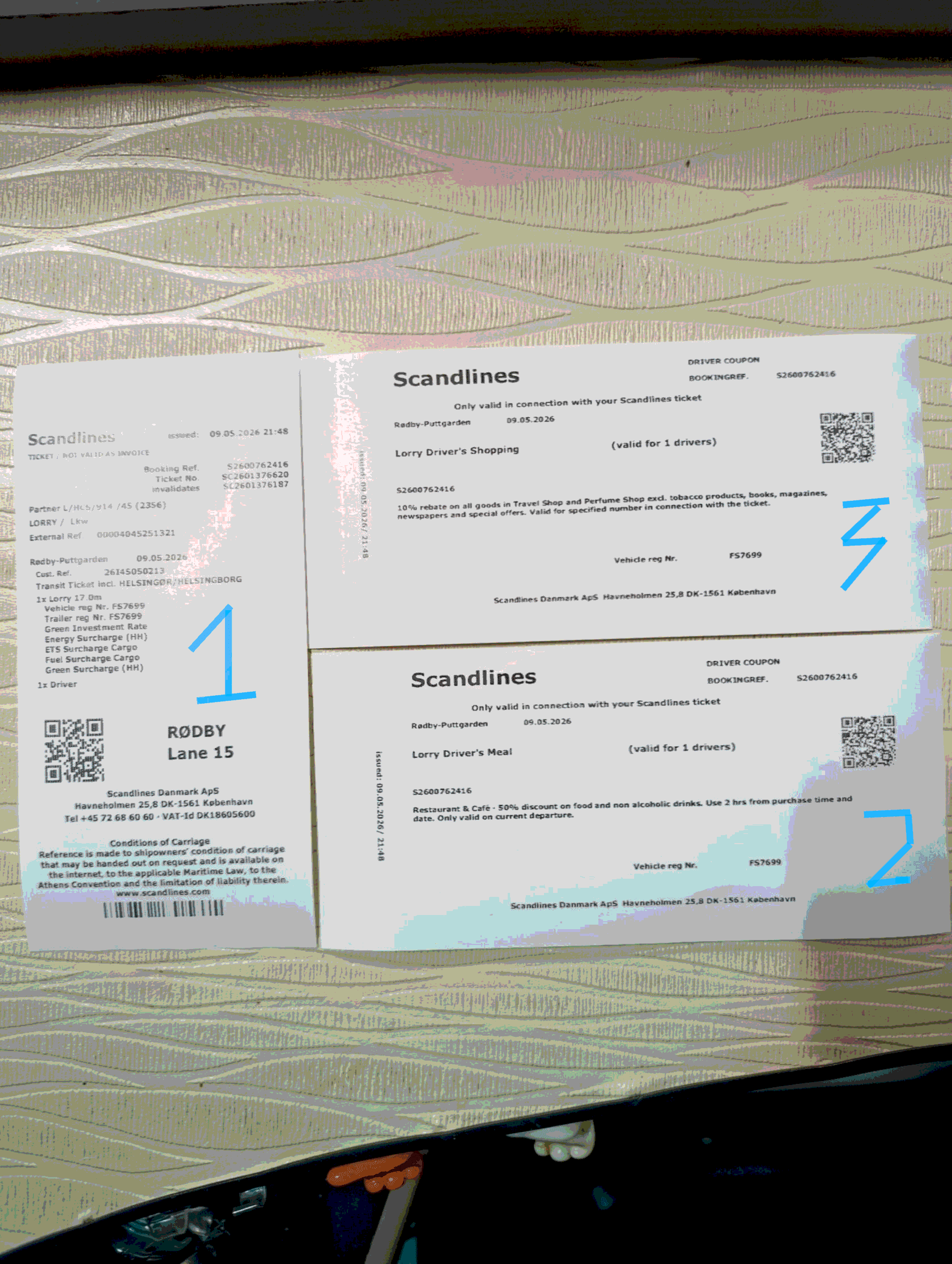
Tickets you will receive
Ticket 1 — for entering the terminal and buying cigarettes on the ferry
Ticket 2 — 50% discount on food
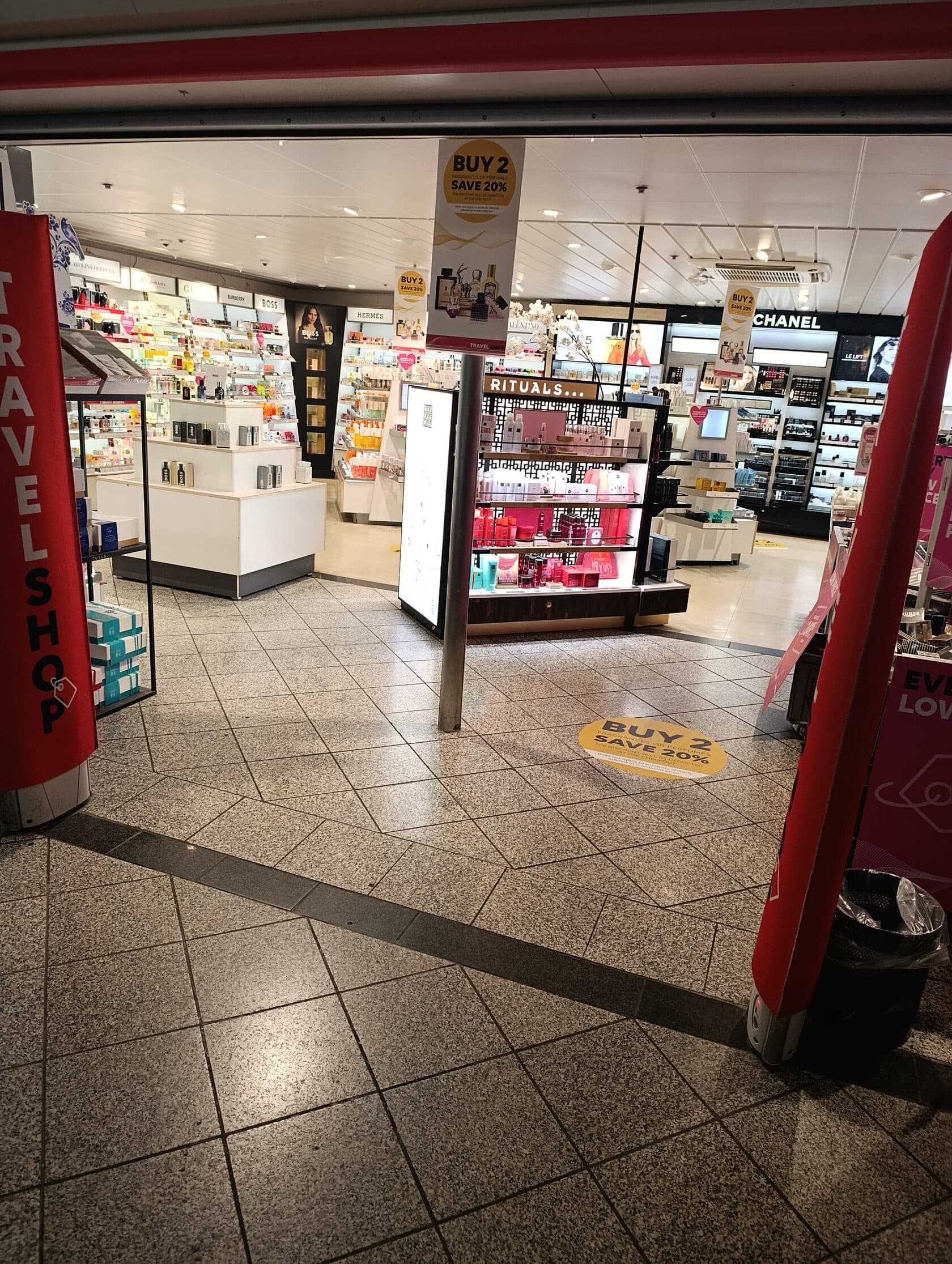
Ticket 3 — 10% discount in the free shop
If you have a refrigerated vehicle, you will also receive a sign marked “Electric”.
Place the sign behind the windscreen.
Waiting area and lane before the ferry
Drive up to the barrier and scan ticket 1 to enter.
Once the barrier opens, enter the waiting area.
Find the lane number shown on ticket 1 and join that lane.
Wait until you are called to board.
Boarding the ferry
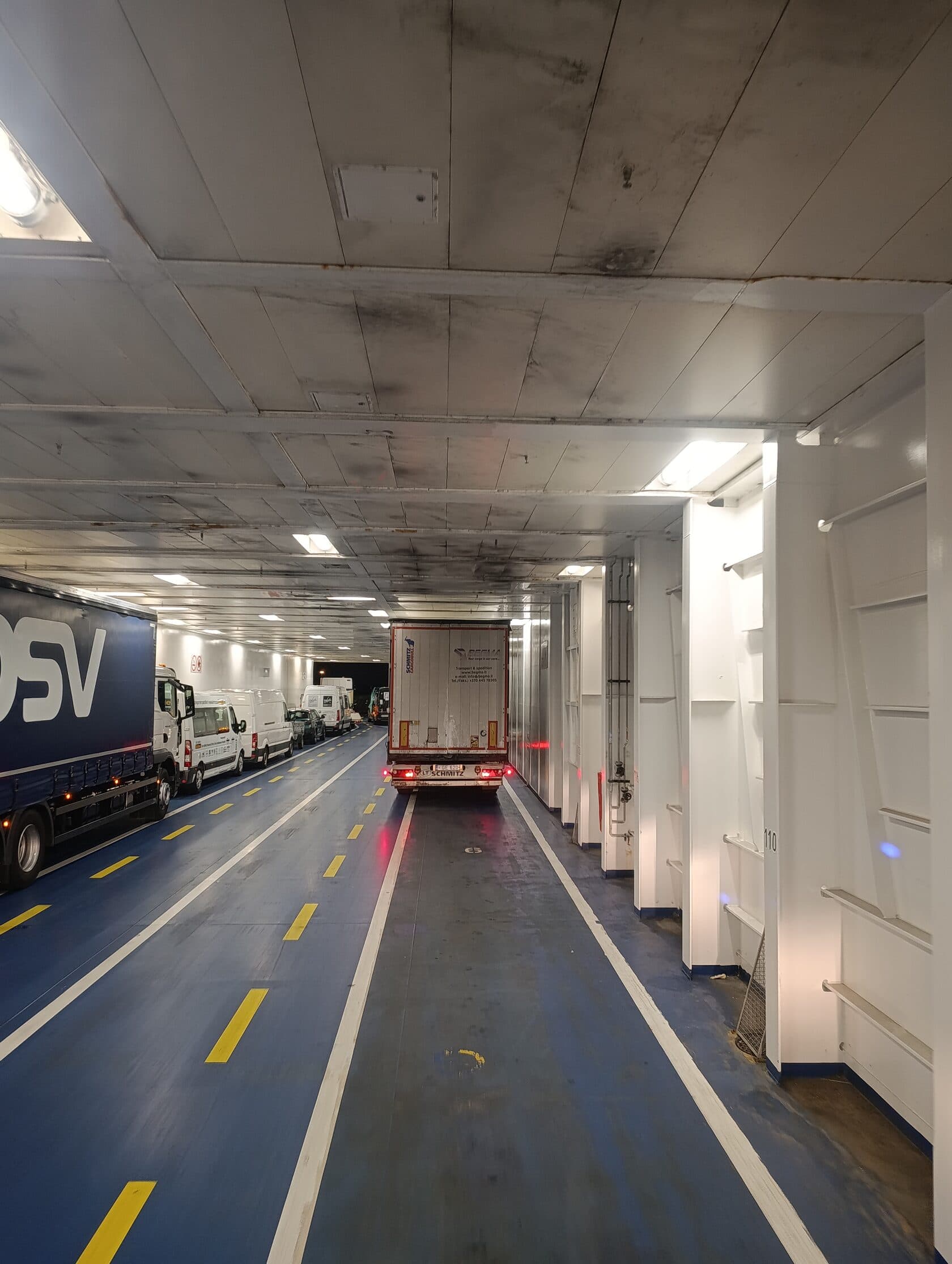
When the signal turns green, drive onto the ferry.
Follow staff instructions and park where directed.
👉 Remember to set the tachograph to ferry mode.
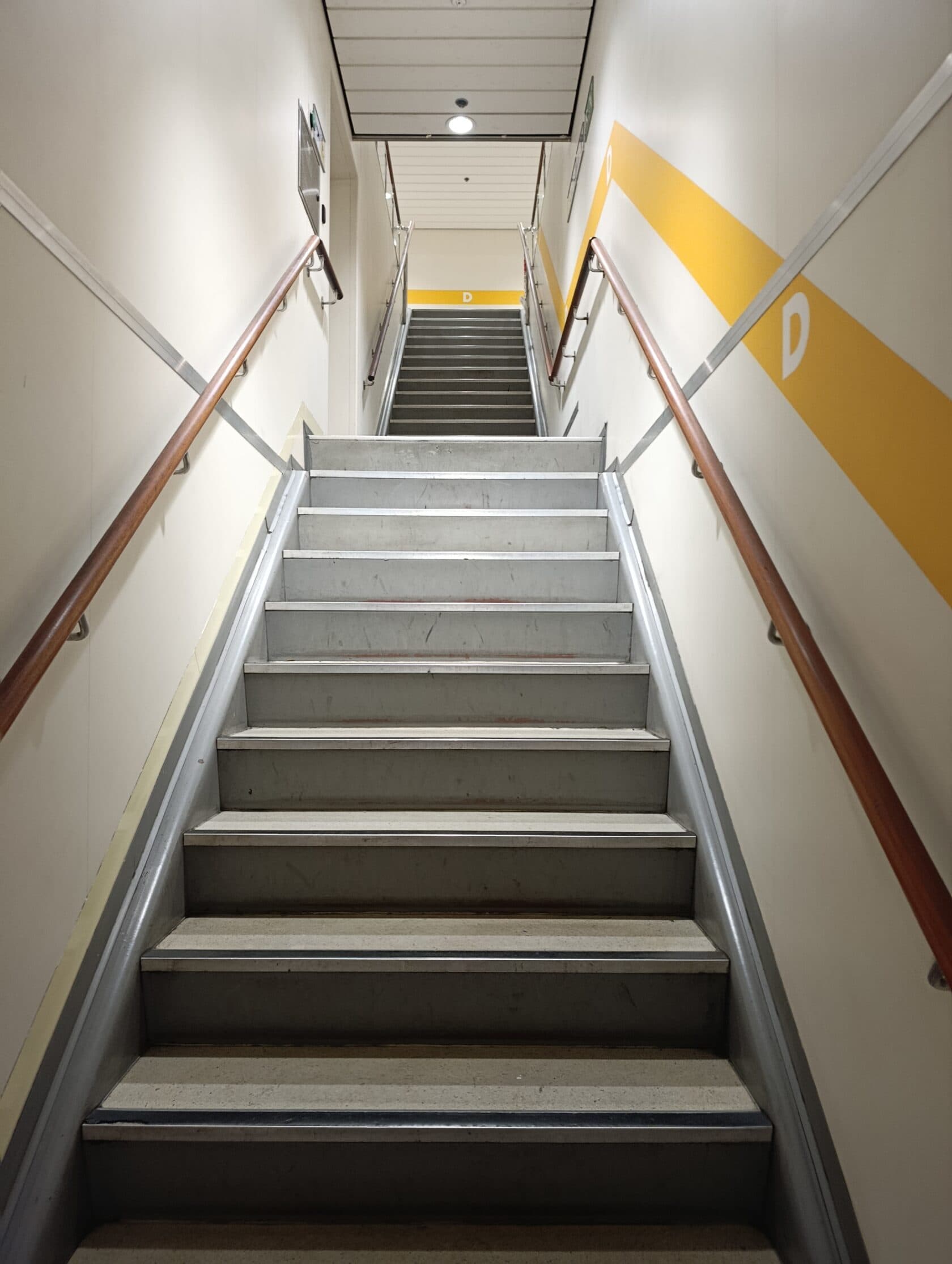
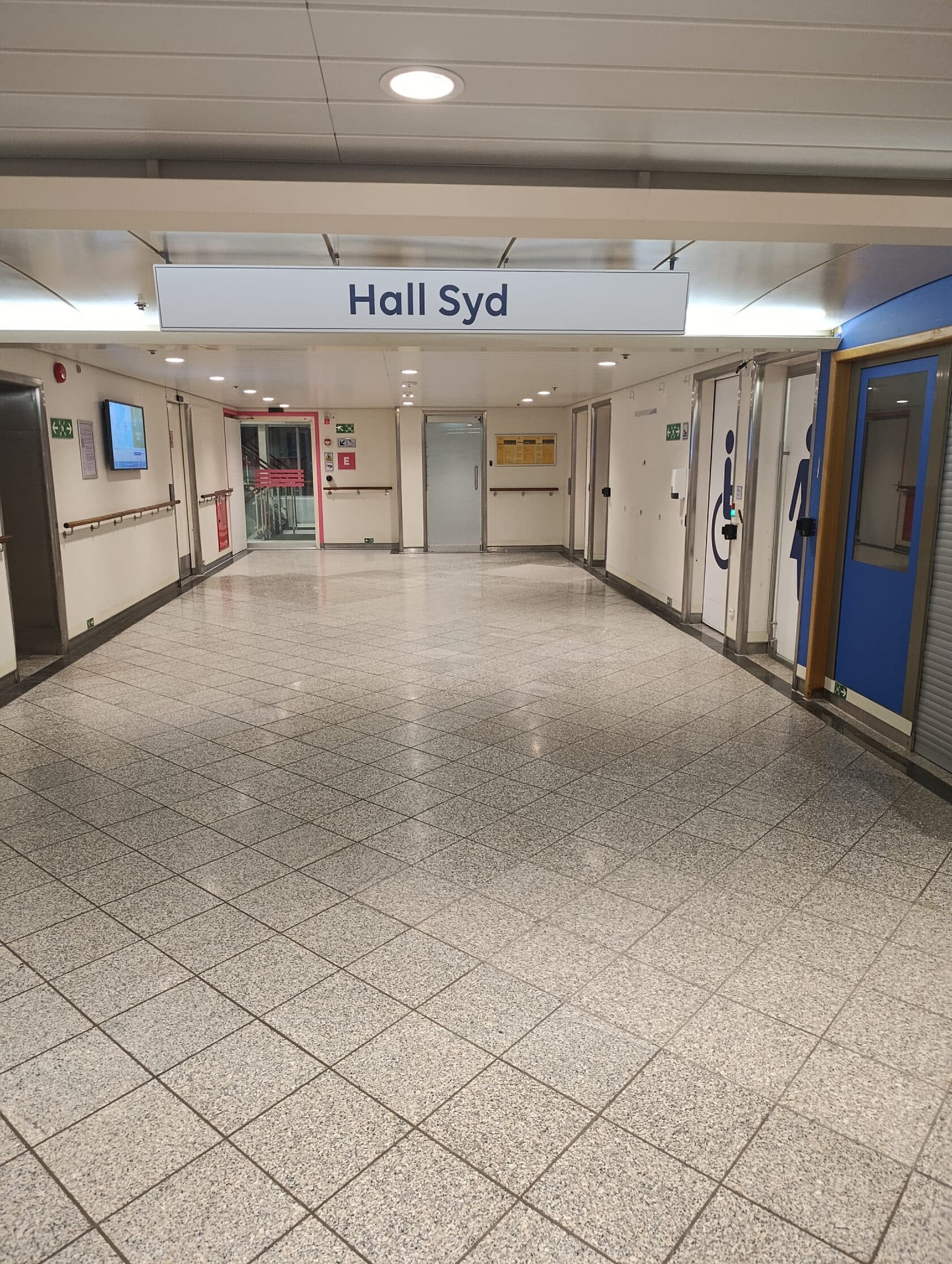
After parking, leave the vehicle and go upstairs.
The ferry has showers and toilets. Have a safe trip!