
TDA / Truck Drivers Assistant
Electronic registration — Rødby–Puttgarden
Step-by-step guide to online Scandlines check-in and boarding on the Rødby–Puttgarden ferry.
Route
Practical information
Electronic registration
To register electronically, follow the link below. Choose your preferred language and complete the registration.
Open Scandlines pre-check-in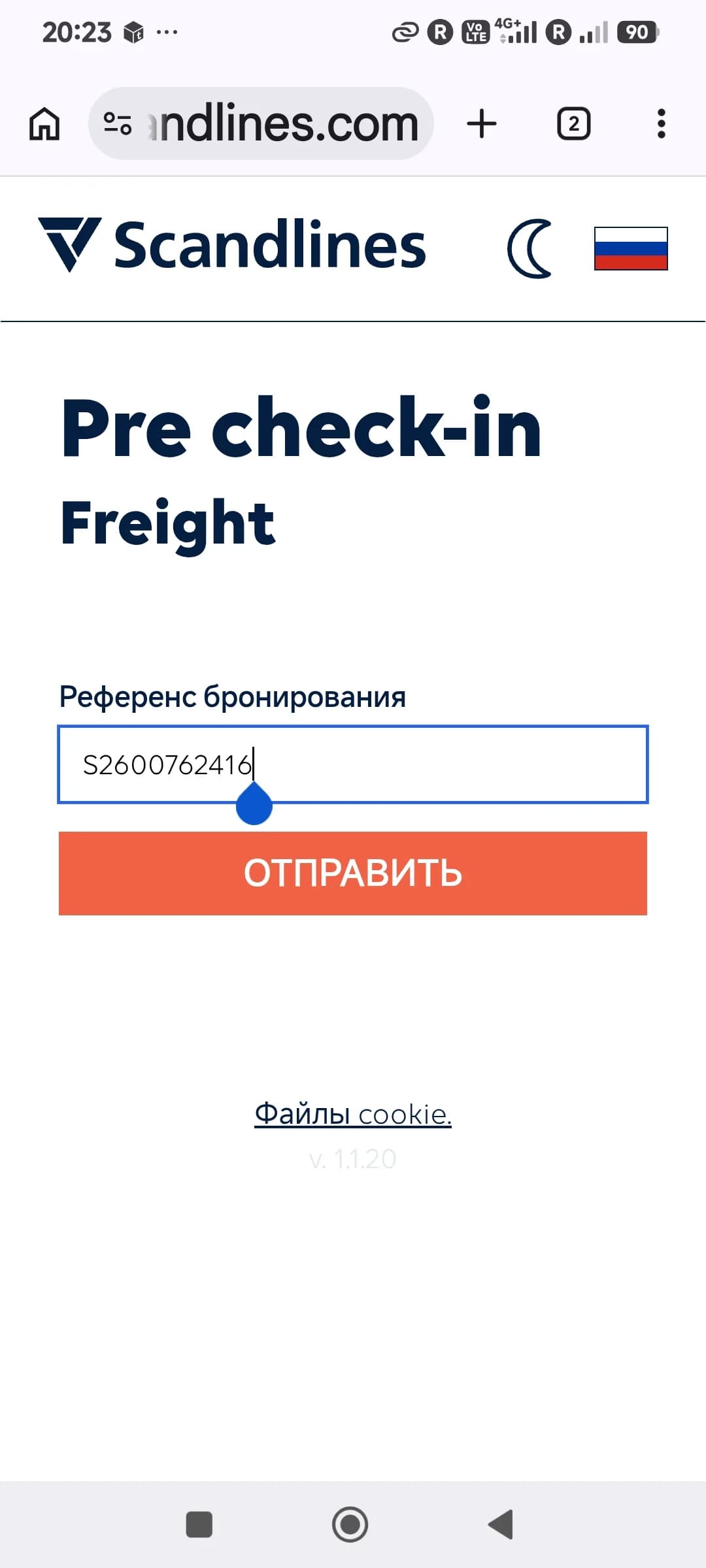
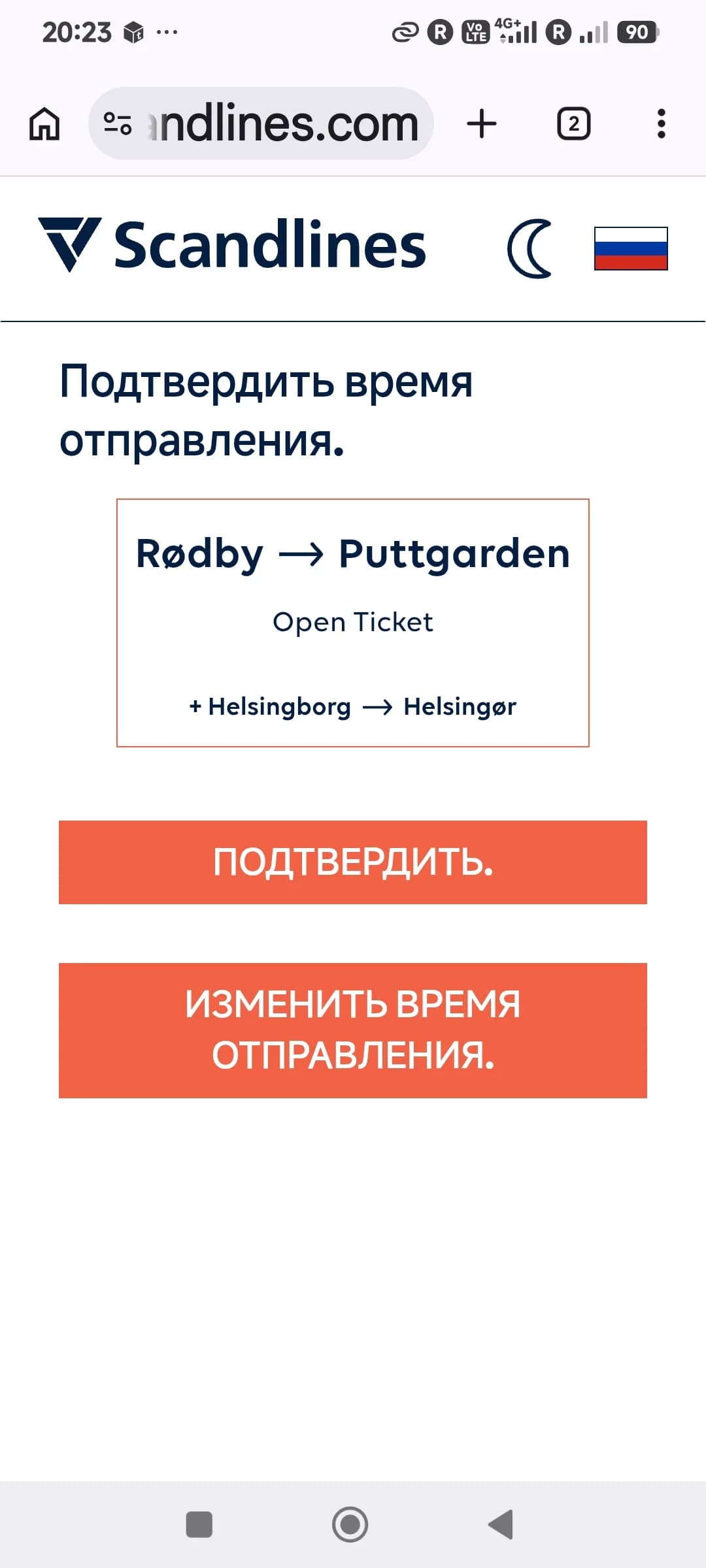
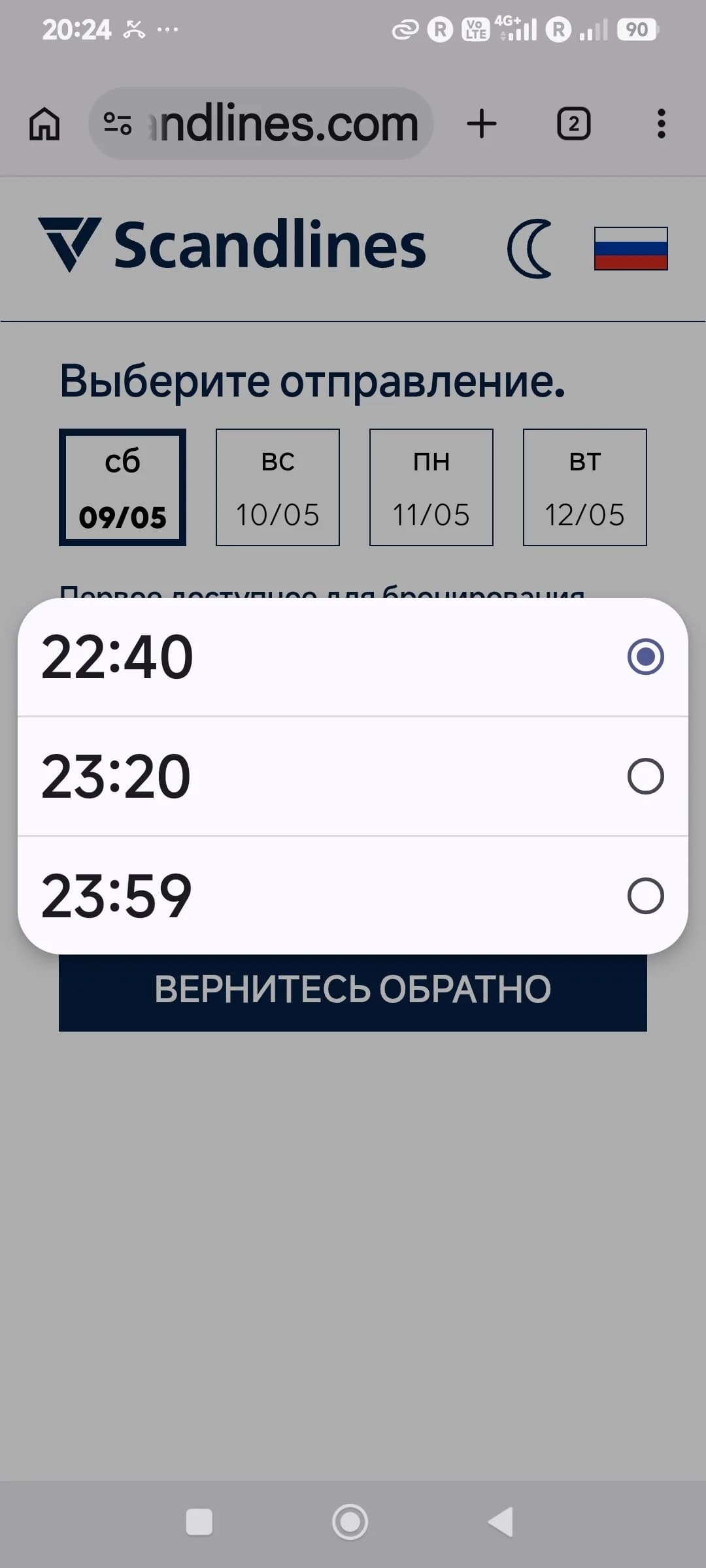
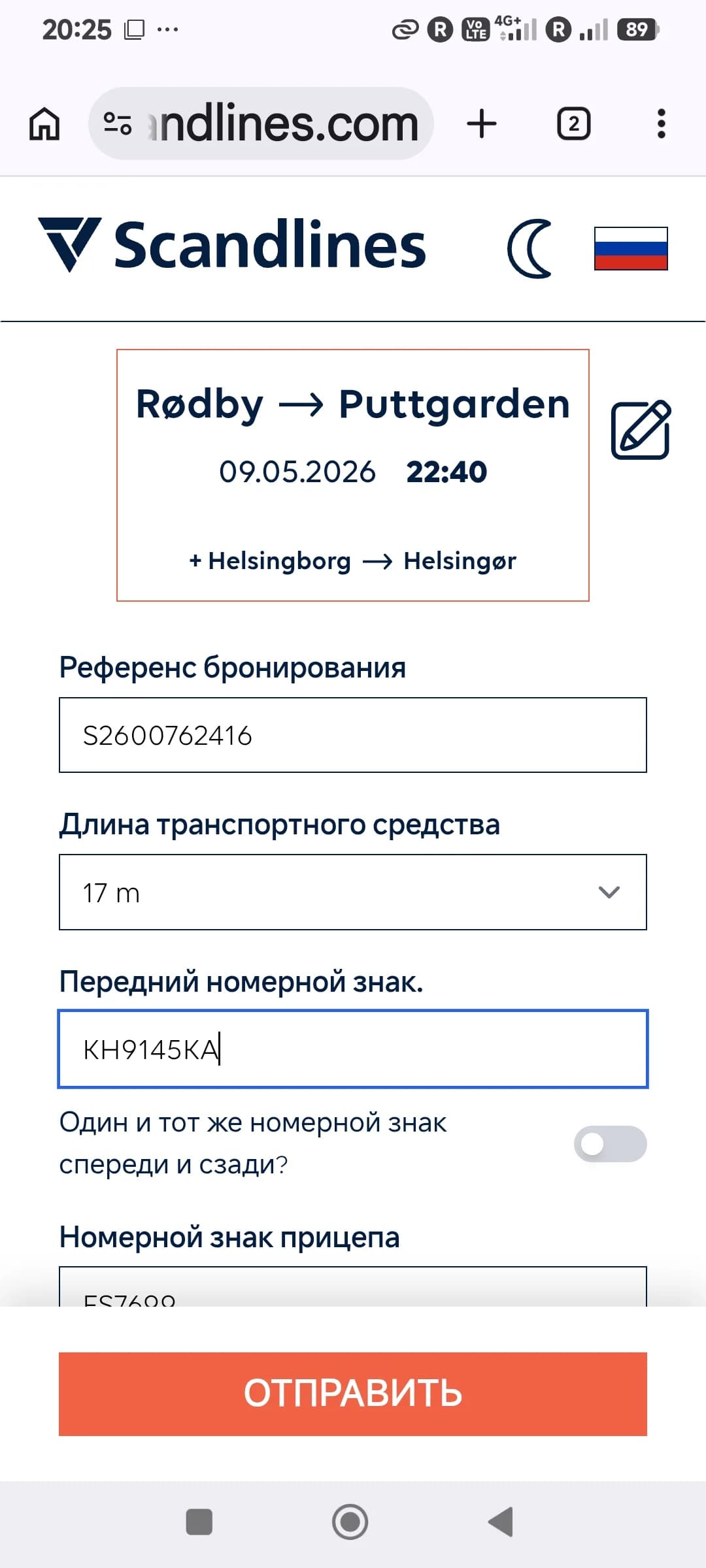
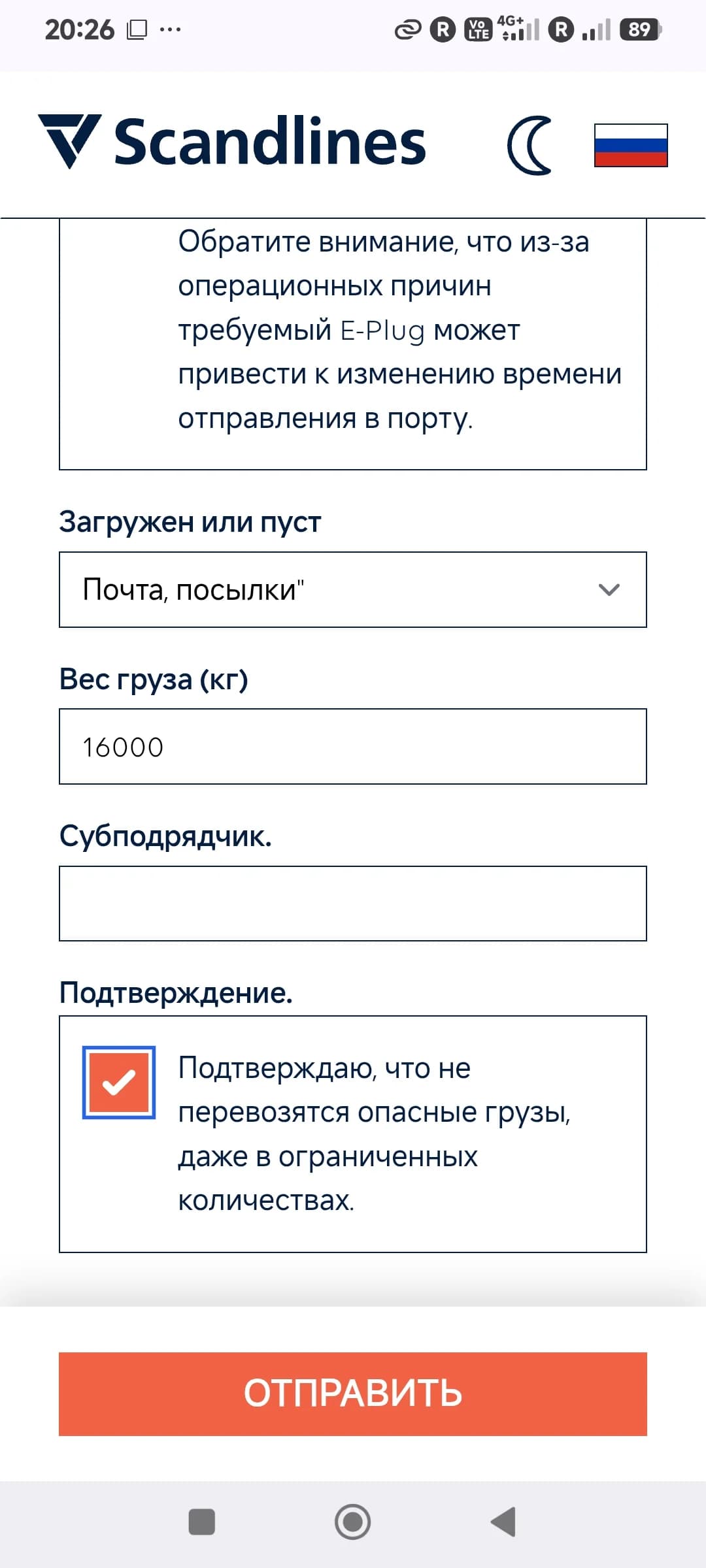
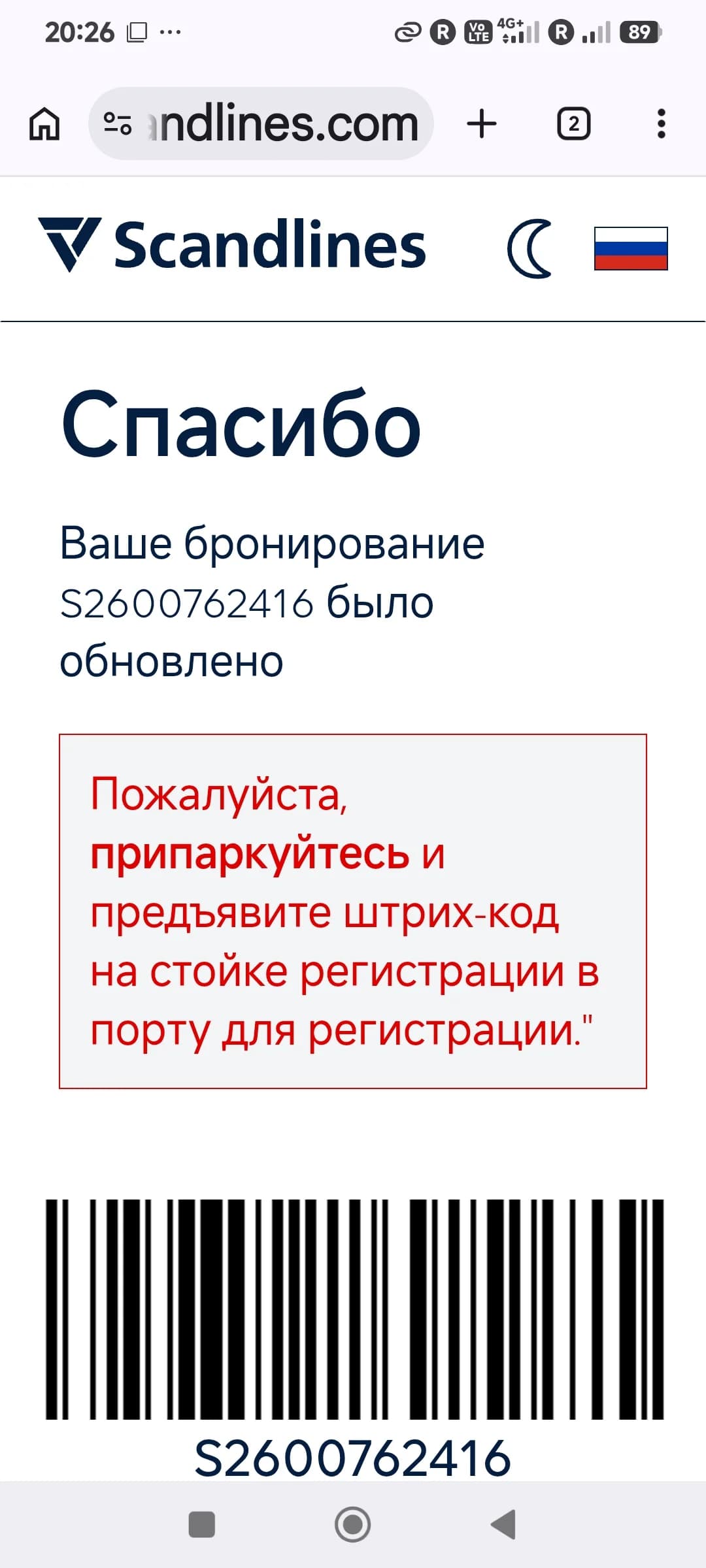
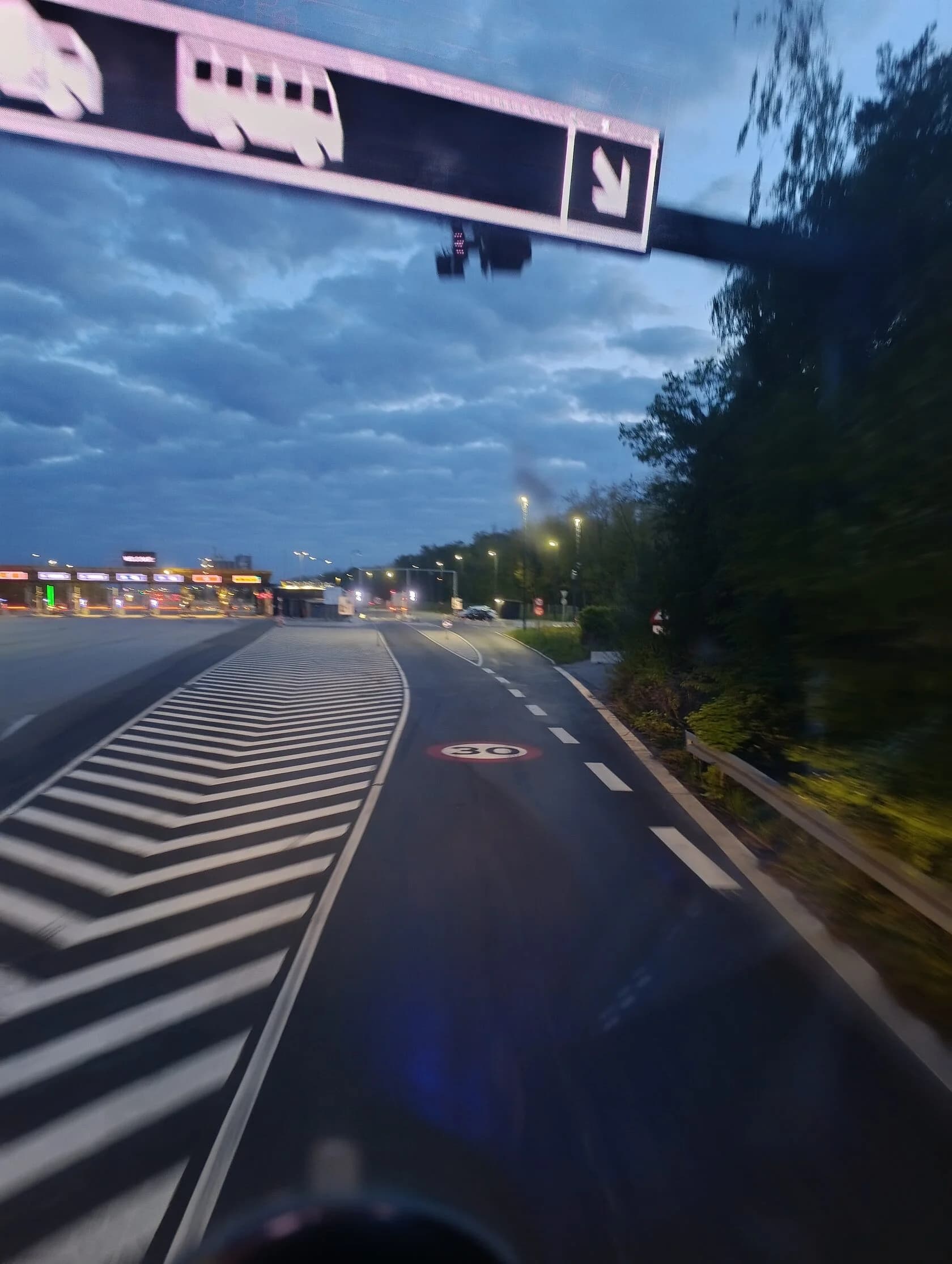
Drive into the car park and keep to the right. Go to the self-service kiosk, scan the barcode on your phone and collect three tickets.
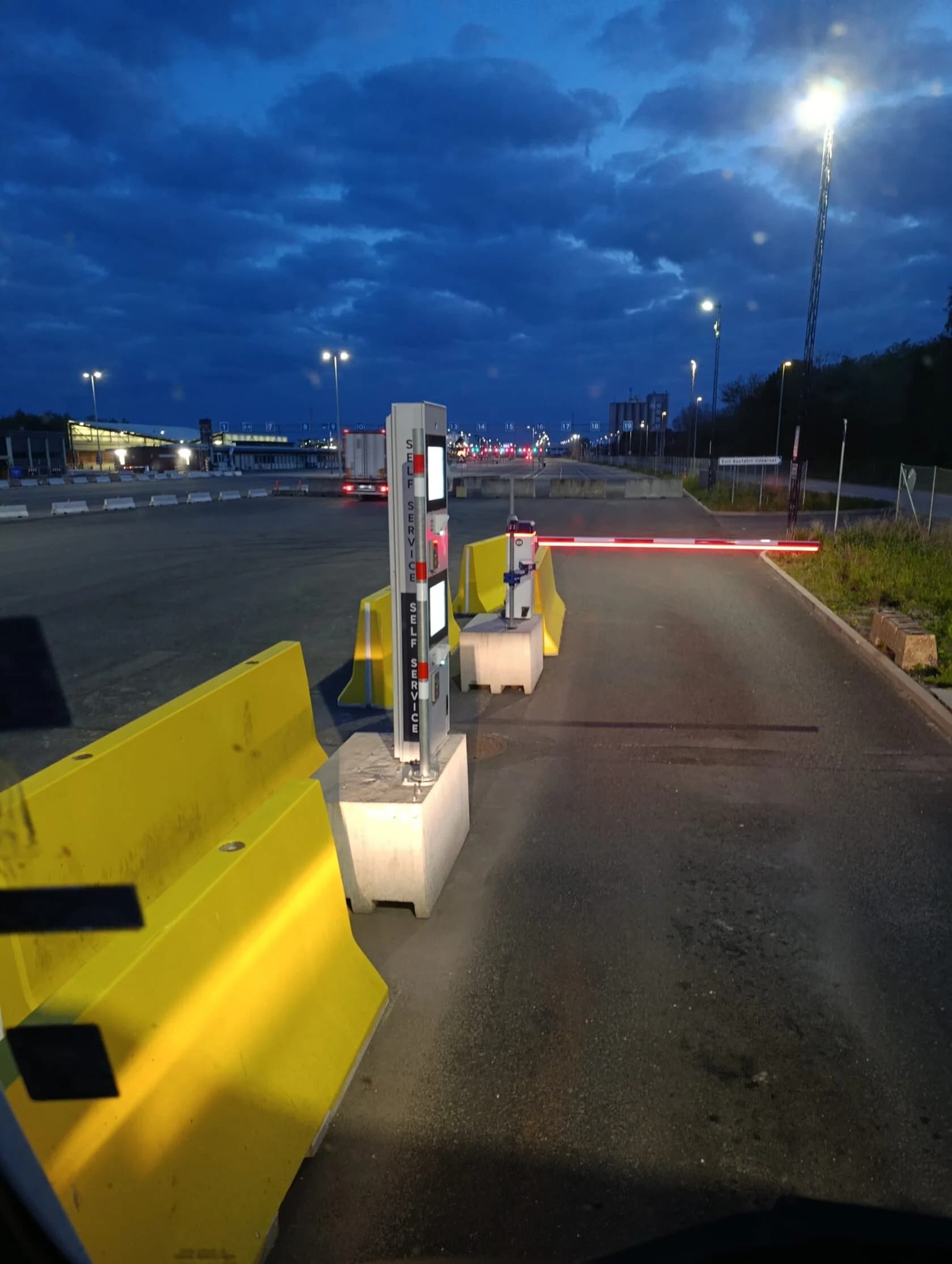
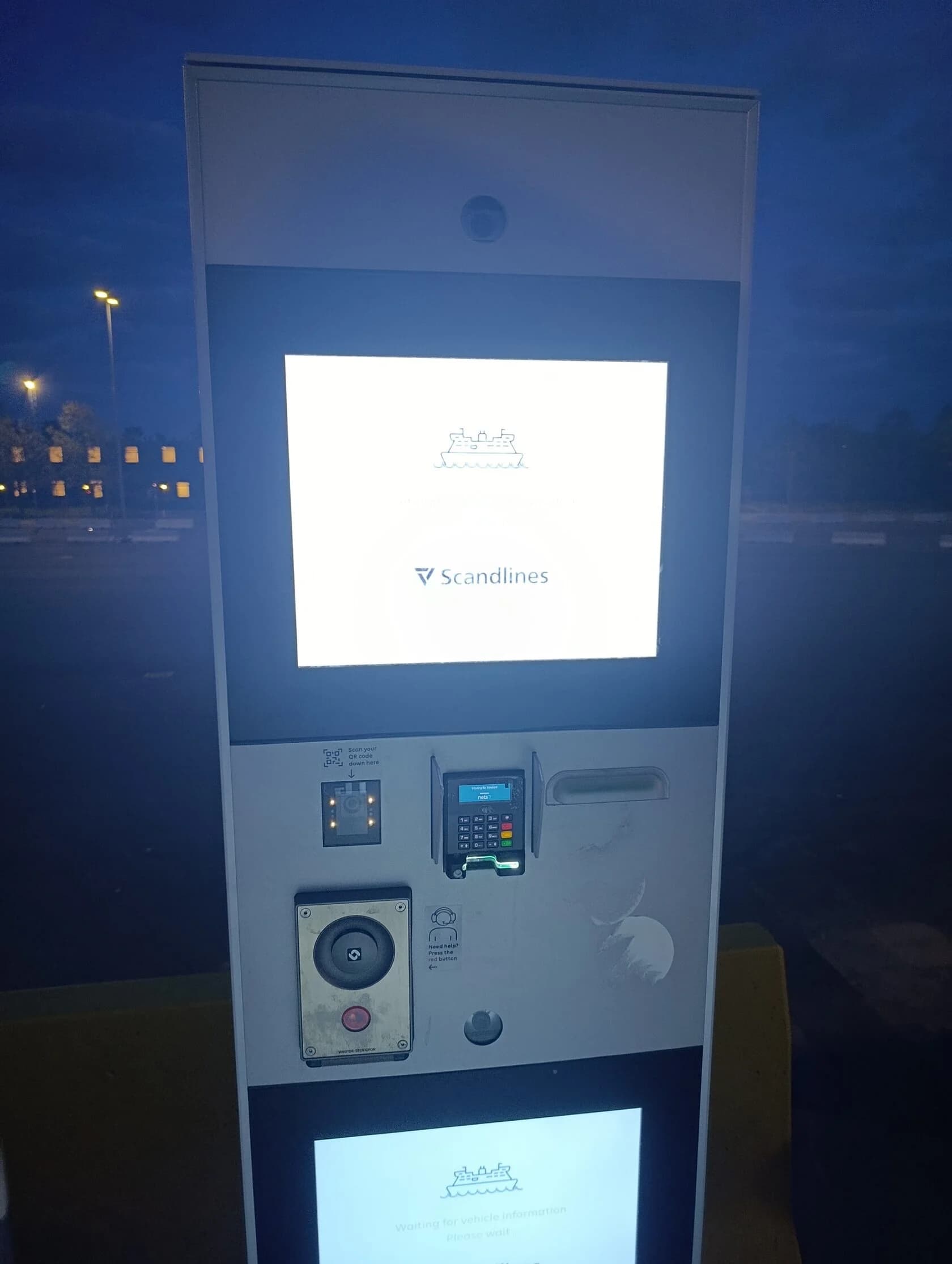
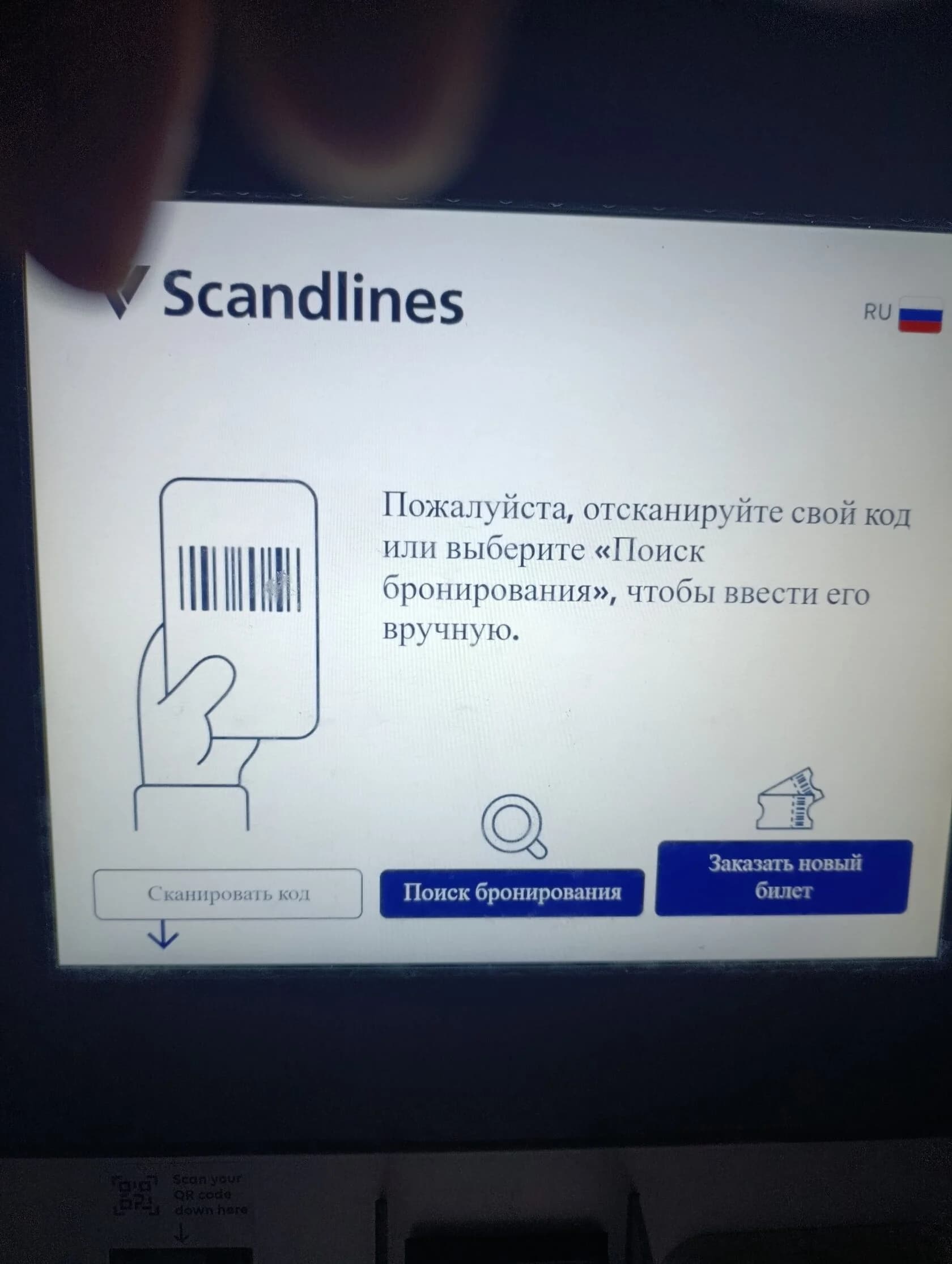
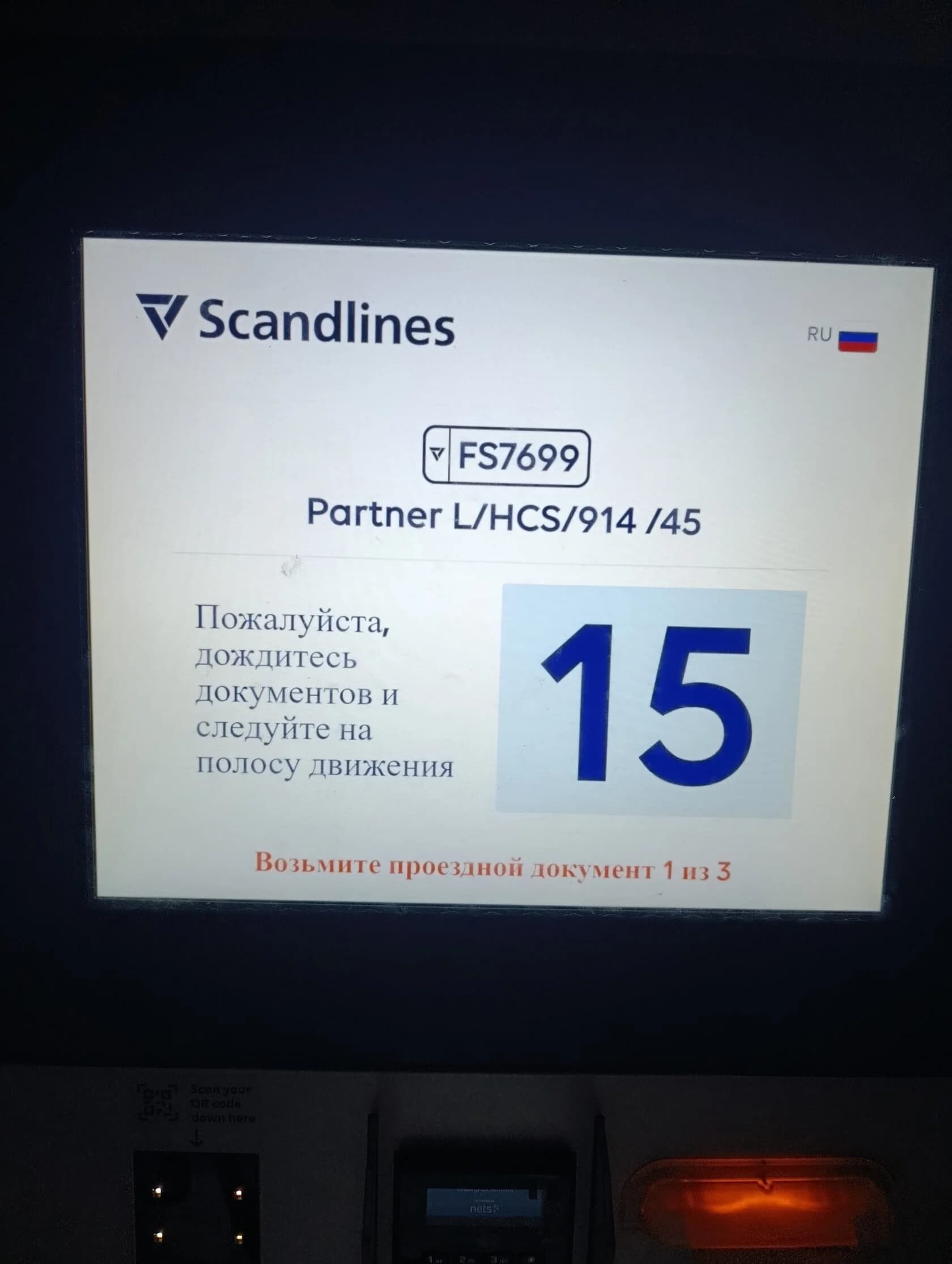
Continue to the next barrier, scan one ticket and enter the lane.
Boarding the ferry
When the signal turns green, drive onto the ferry. Follow staff instructions and park where directed. Remember to set the tachograph to ferry mode. After parking, leave the vehicle and go up to the upper deck. Have a good trip!